
TT Namer
Fixes Korean file names from a Mac that appear split into letters on Windows. It checks the Unicode normalization form of file names (NFC/NFD) and converts them.
macOSComing soon
Before NFD
- ㅎㅚㅇㅢㄹㅗㄱ_10ㅇㅝㄹ.hwp
- ㄱㅕㄴㅈㅓㄱㅅㅓ(ㅊㅚㅈㅗㅇ).pdf
- ㅇㅖㅅㅏㄴㅍㅛ.xlsx
After NFC
- 회의록_10월.hwp
- 견적서(최종).pdf
- 예산표.xlsx
Why names look like this
macOS often stores Korean file names in decomposed form (NFD), while Windows uses the composed form (NFC).
So when you move files from a Mac by USB drive, cloud drive, NAS, email attachment or archive, their names look broken, and searching and sorting don't work as expected.
Convert
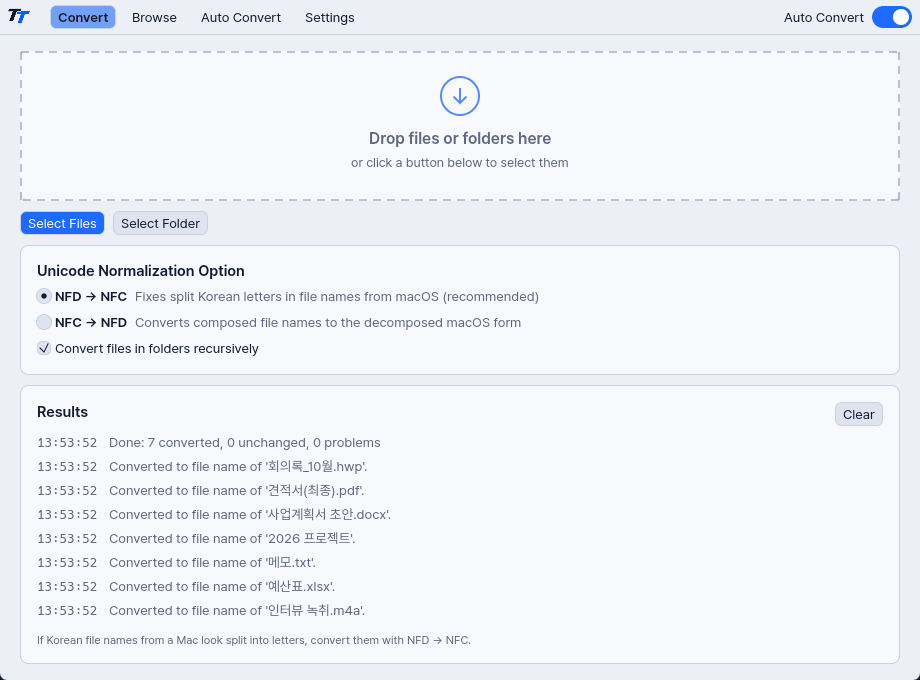
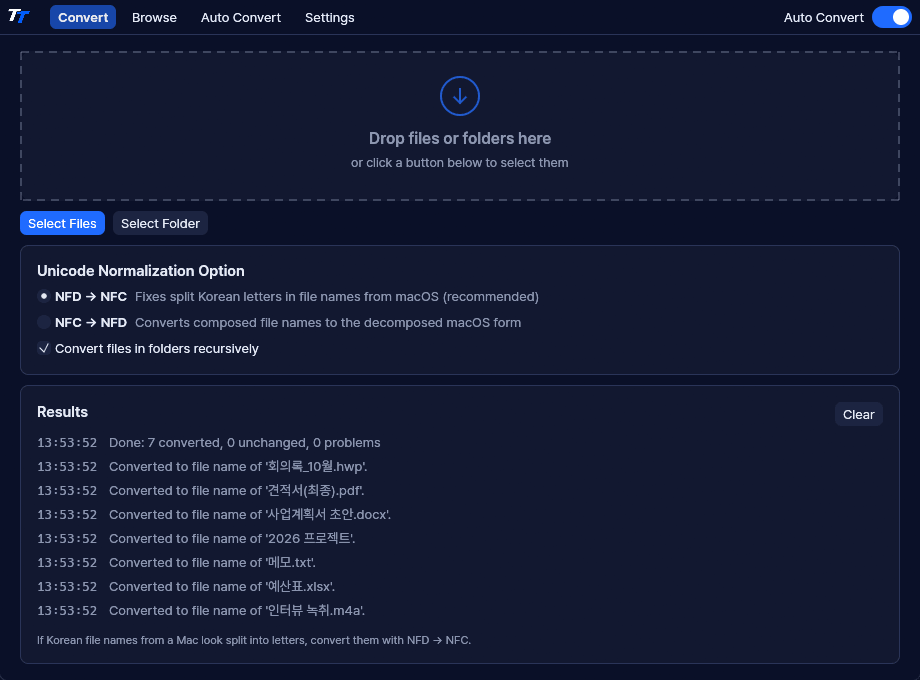
Drop files or folders onto the window, or select them, to convert right away.
- Works in both directions: NFD → NFC and NFC → NFD.
- Folders are converted together with all their subfolders.
- A results log shows what changed.
Browse
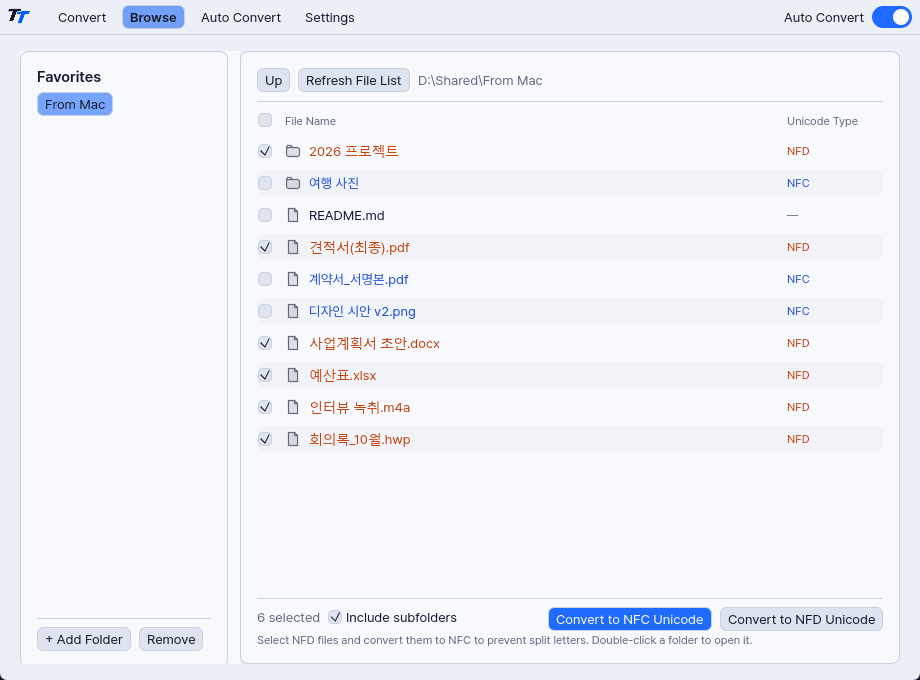
Keep frequently used folders as favorites and see by color whether each file name is NFC or NFD.
- Pick just the files you need and convert them.
- NFD names appear in orange, NFC names in blue.
Auto Convert
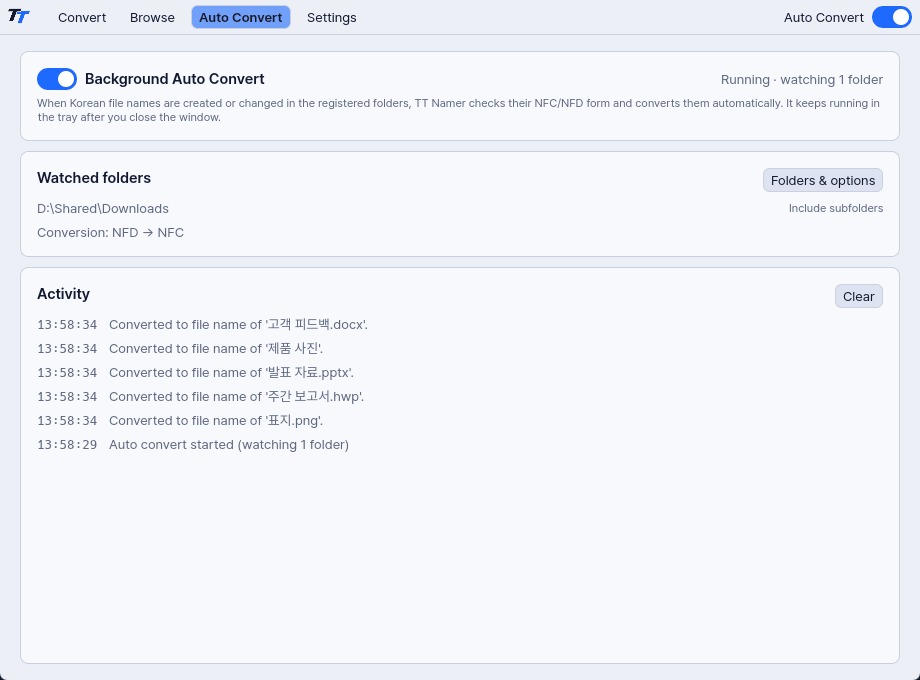
Register folders such as Downloads or a shared folder, and new files are checked and converted as they arrive. It keeps running in the notification area after you close the window, and can start when you sign in.
- Waits 2 seconds so it doesn't touch files still being copied or extracted.
- Retries locked files every 2 seconds, up to 10 times.
- Converts only names that contain Korean. You can turn this off.
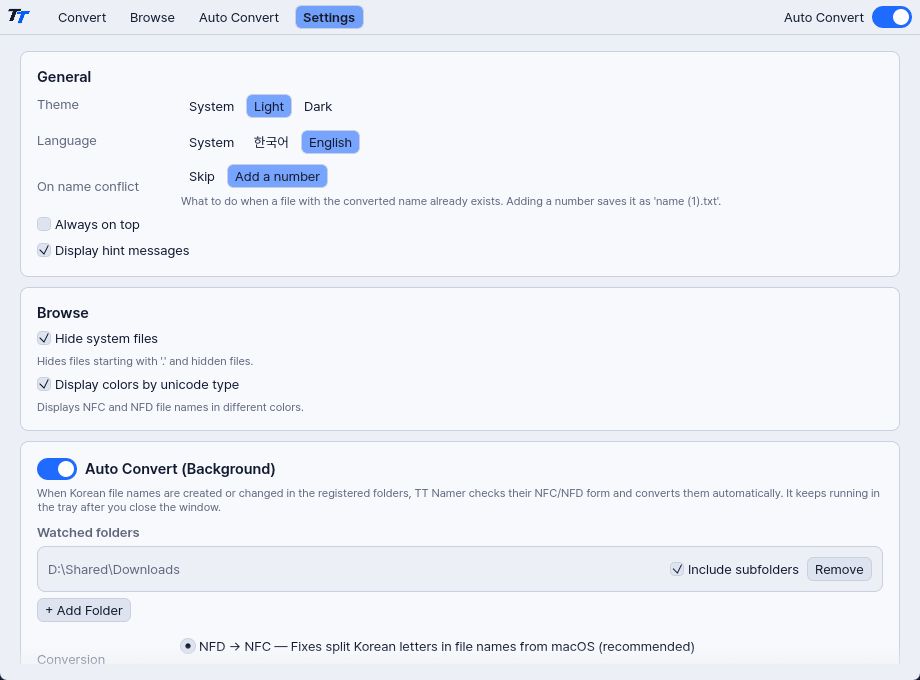
Settings
Set up the interface, conversions and Auto Convert all in one place.
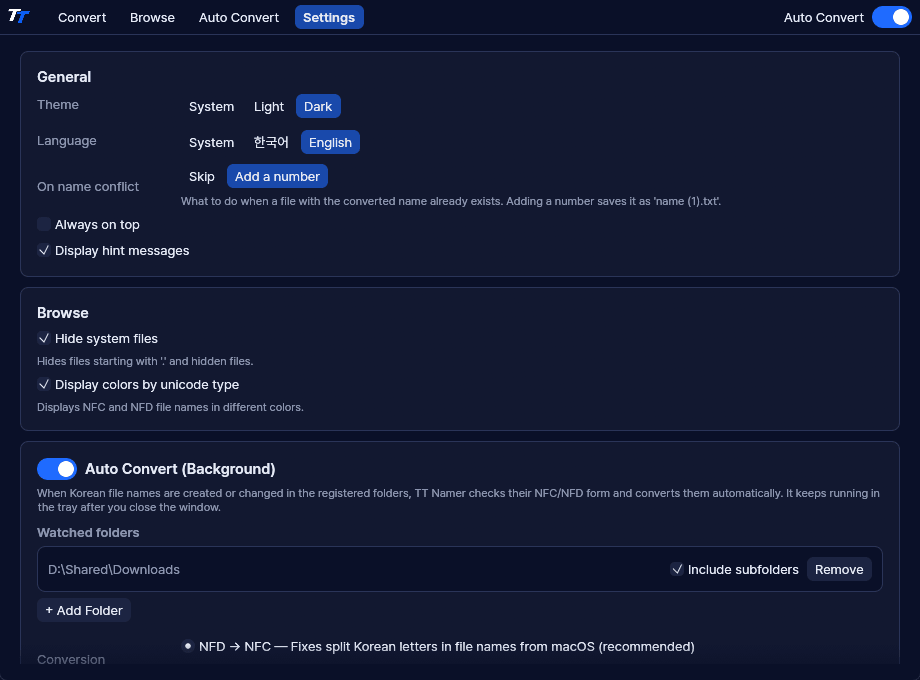
- Follow the system theme and language, or choose your own.
- Decide whether to add a number or skip when a file with the same name exists.
- Choose watched folders, the conversion direction, what closing the window does, and whether to start at sign-in.
Specifications
- Price
- Free
- System
- Windows 10 version 1809 or later (x64)
- Languages
- Korean, English
- Themes
- System, light, dark
Development log
- The full license texts of the open-source software in the app can now be read in Settings.
- Prepared the Microsoft Store release, and changed how the app starts so the Store version can also launch at sign-in.
- Finished building and testing on an Apple Silicon Mac, and confirmed that file names convert to NFC on the macOS file system too.
- Built the runtime into the executable so the app runs without the Visual C++ Redistributable, and cut the file size from 11.78 MB to 9.72 MB.
- Moved to a design system shared with TT Viewer, so both apps use the same colors, type and spacing.
- Built the first version. An app that stays in the tray has to be light, so a change in how it draws the screen brought memory use down from about 266 MB to about 140 MB.
- Took the decoration out of the interface. Status dots and emoji are gone, and color now appears only when something is wrong.
TT Namer
macOSComing soon