
TT Viewer
An image viewer for photos, comics and webtoons. It opens archives without extracting them and comes with a batch image converter.
WindowsGet it from Microsoft Store
macOSComing soon
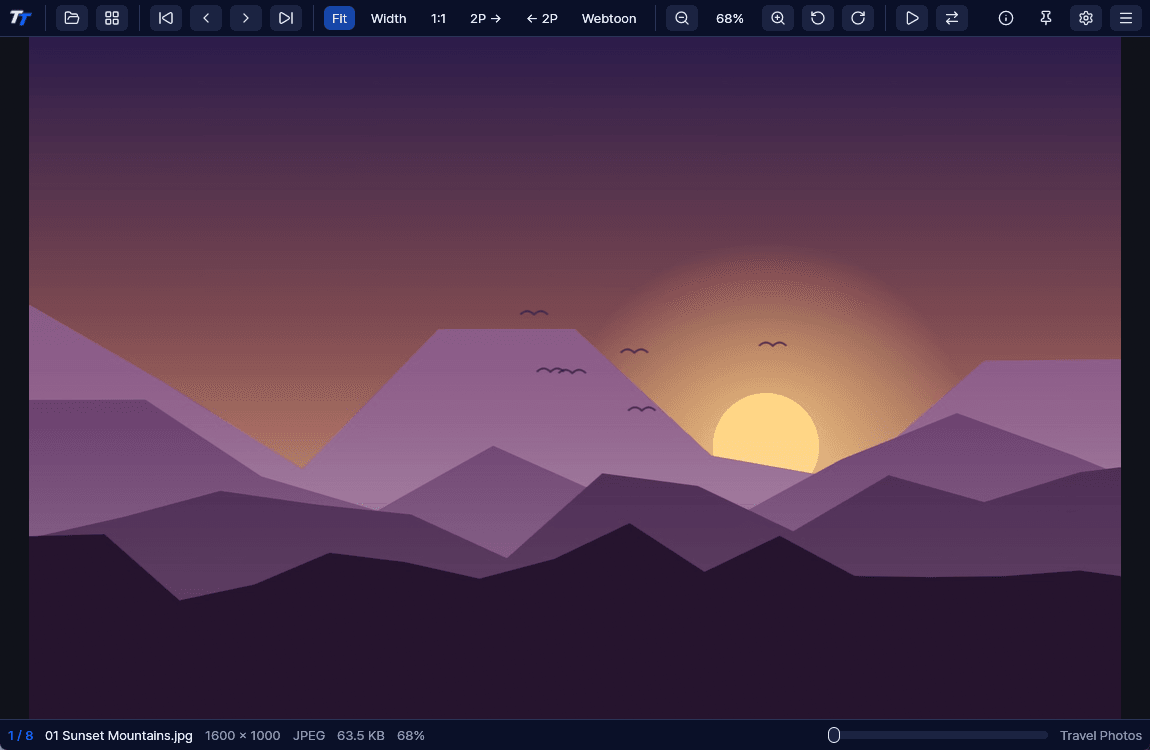
Archives and comics
Page through the images in an archive in order, and jump straight to the next archive.
- Opens ZIP, RAR, 7Z, TAR, CBZ, CBR and CB7 without extracting.
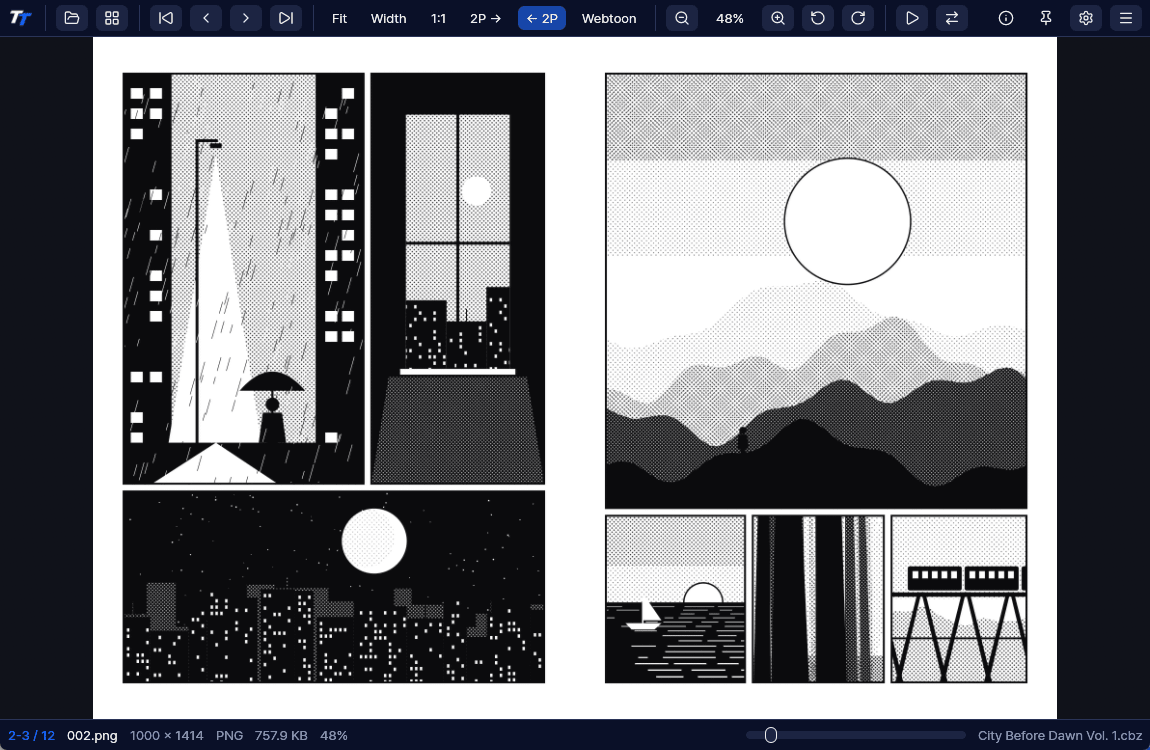
- Two-page view reads left to right or right to left.
- Covers appear alone, and wide spreads show as one large page.
- Webtoon mode joins images at the same width for continuous scrolling.
- Password-protected archives open after you enter the password.
Thumbnail browser
Skim folders, archives and images in a thumbnail grid and jump right where you want to go. Press Enter to open it.
- Go up to parent folders and drives.
- Sort by name, date, size, extension or at random.
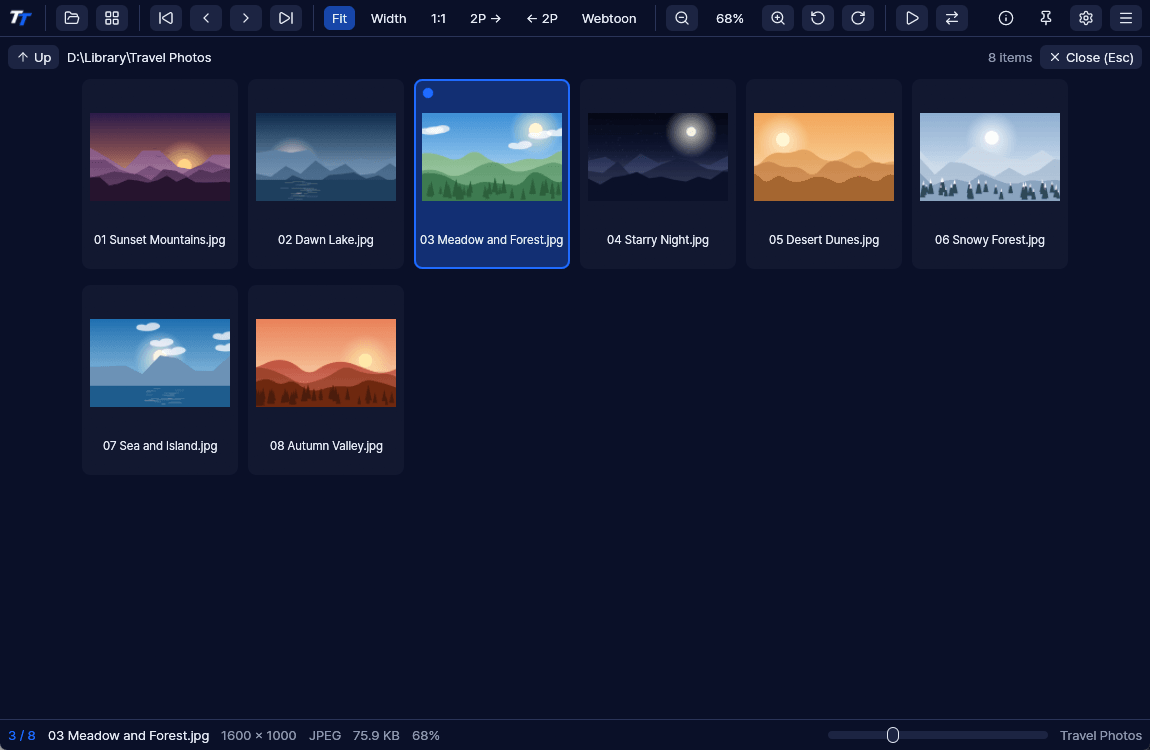
Image converter
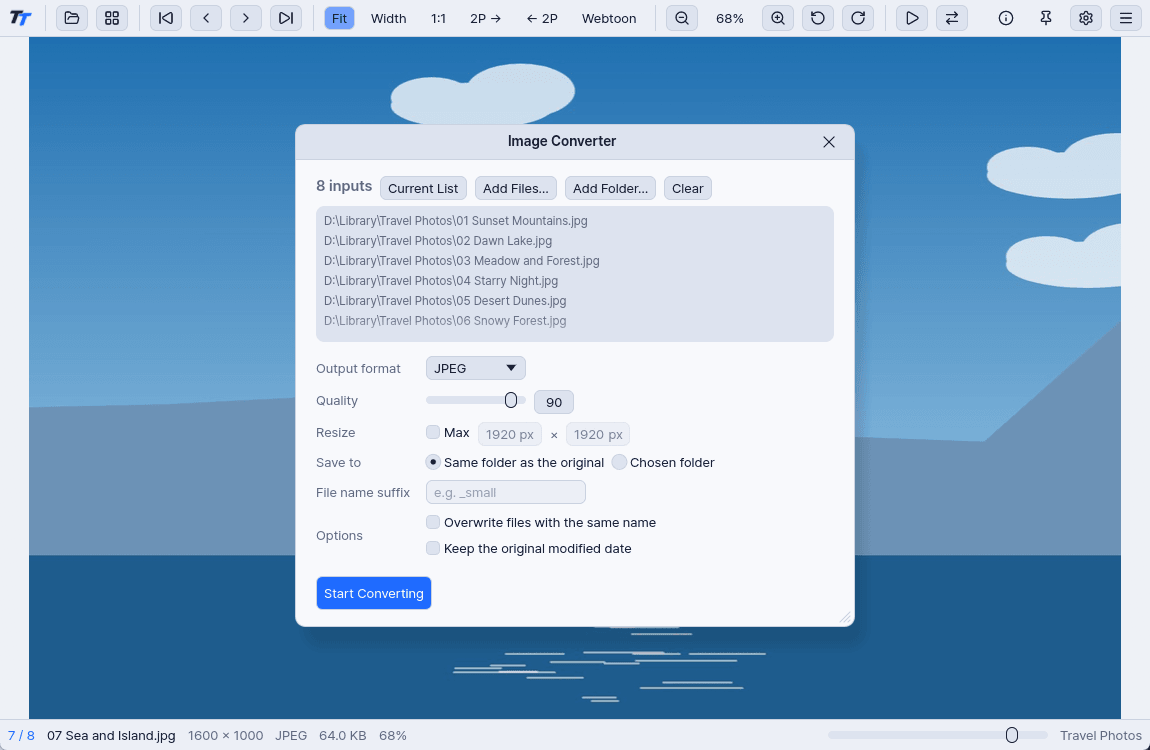
Convert many images at once to JPEG, PNG, WebP, AVIF, BMP, TIFF or QOI. Any format the viewer opens can be the source.
- Choose the size, save location and file name suffix.
- Keep the original modified date if you want.
- Files are processed in parallel.
Info panel
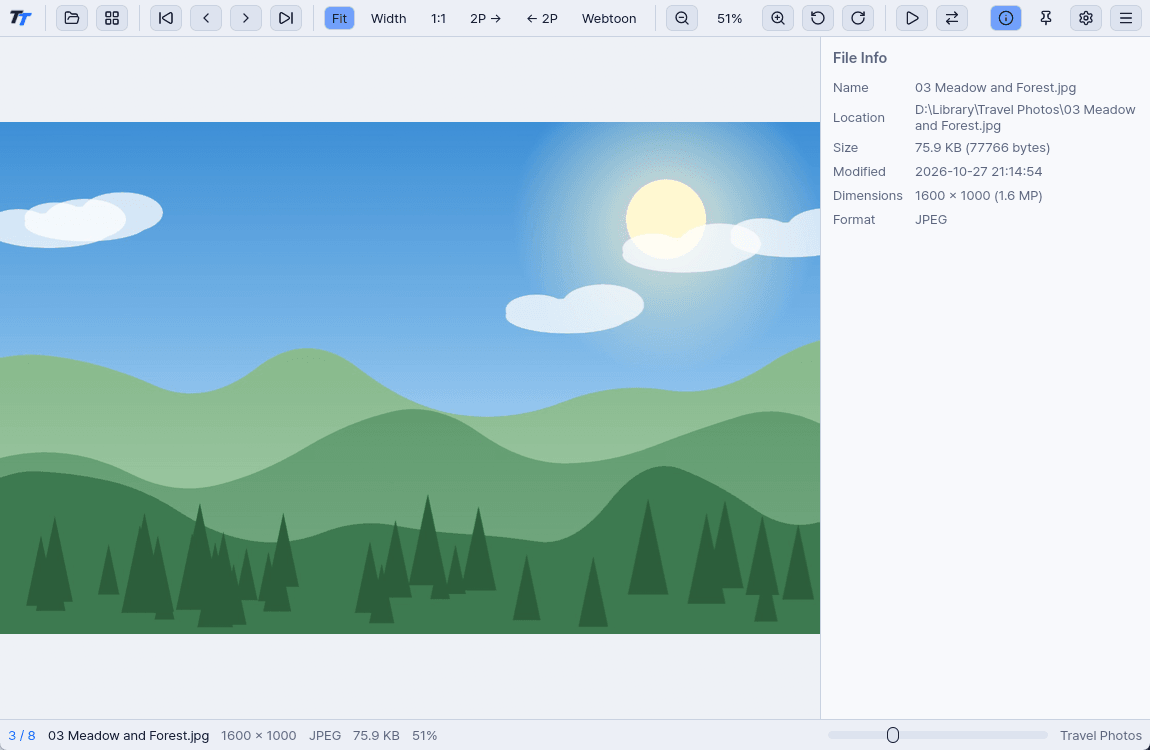
Press Tab to see file details, camera information (EXIF) and location. You can also check the prompts saved in AI-generated images.
- Reads Stable Diffusion, ComfyUI and NovelAI prompts.
- A photo's location opens in your browser's map only when you ask.
Supported formats
- Common
- JPEG, PNG, APNG, GIF, BMP, WebP, TIFF, TGA, ICO, CUR, DDS, PNM, QOI, Farbfeld
- Extended
- JPEG XL, SVG, SVGZ, PSD, PSB, CLIP
- HDR
- EXR, Radiance HDR (tone-mapped to SDR)
- Windows codecs
- HEIC, HEIF, HIF, AVIF, JPEG XR
- Camera RAW
- DNG, CR2, CR3, CRW, NEF, NRW, ARW, SR2, ORF, RW2, RAF, PEF, SRW, ERF, KDC, DCR, MRW, 3FR, IIQ, MOS, X3F and more
- Archives
- ZIP, CBZ, RAR, CBR, 7Z, CB7, TAR, CBT, TAR.GZ, TGZ
HEIC needs the HEIF Image Extensions and HEVC Video Extensions from the Microsoft Store. AVIF needs the AV1 Video Extension.
Common shortcuts
- Next image
- PgDn→
- Previous image
- PgUp←
- Next folder
- ]
- Previous folder
- [
- Thumbnail browser
- Enter
- Fit to window
- 1
- Fit to width
- 8
- Original size
- 0
- Two-page view
- 76
- Webtoon mode
- 5
- Full screen
- F11
- Info panel
- Tab
Limitations
- No HDR display output. HDR images are tone-mapped to SDR.
- A single image can be up to 600 million pixels.
- CLIP files show the canvas preview saved in the file. Layers are not composited.
- PSD and PSB use the merged image. Files saved without “Maximize Compatibility” may look blank.
- BPG, PCX, JPEG 2000 and the ALZ, EGG, LZH, CAB and ISO archive formats don't open.
Specifications
- Price
- Free
- System
- Windows 10 version 1809 or later (x64)
- Languages
- Korean, English
- Themes
- Dark (default), light, system
- File types
- Appears in “Open with” for 71 file extensions
Development log
- Rebuilt resizing in the image converter. For one image you enter the width × height, and for several you choose a rule such as percentage, long edge, width or height.
- Replaced the camera RAW handling and checked it with samples in 10 formats. Olympus, Samsung and Pentax files open with larger previews.
- Translated every screen in the app into English.
- Prepared the Microsoft Store release. The app now appears in “Open with” for 71 file extensions, and two problems that only affected the Store version are fixed: settings that weren't saved and a desktop background that didn't stick.
- Made the macOS build, and hid the printing and desktop background menus, which aren't available there.
- Redrew all icons as SVG, so none of them show up as empty boxes on macOS.
- Tuned the release build, taking the executable from 36.77 MB to 32.91 MB. Error handling stayed in, so one damaged image won't close the whole app.
- Made the first beta, with archive viewing, two-page view, webtoon mode, the thumbnail browser and the image converter.
TT Viewer
WindowsGet it from Microsoft Store
macOSComing soon